Grant Cycle
One application opportunity, including its application dates, review, and award decisions.

Use this guide if you prepare, approve, or send an official decision or award notice.
Use this guide if you prepare, approve, or send an official decision or award notice.
Confirm that the source decision or award is final and that you have permission to approve or send notices.
Complete the tasks in order. Open a task to see the instructions. Select any screenshot to enlarge it.
Important: Stop if the district or foundation name is wrong.
A Grant Cycle can close while its awarded projects continue. Projects and reports remain available until Project closeout.
One application opportunity, including its application dates, review, and award decisions.
The dates when an awarded project is expected to begin and end. It may continue after the Grant Cycle closes.
The progress and final reports required for an awarded project, with their due dates.
The final checks that formally complete an awarded project after its required reports are accepted.
Start on the GrantsPost sign-in page.
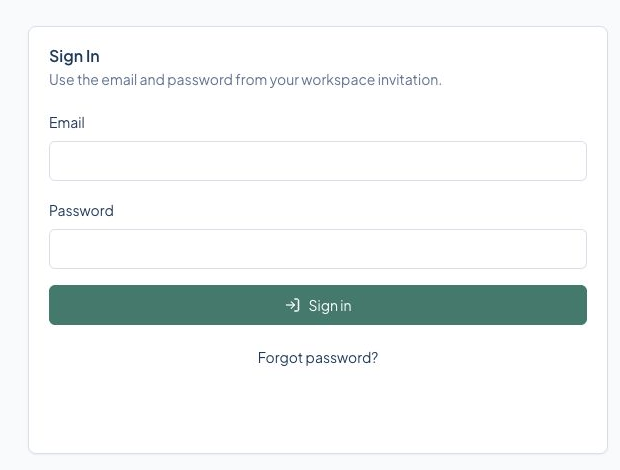
Select the screen to enlarge it. Example data is fictional.
You arrive at the home page for your assigned role.
GrantsPost opens the home page for your assigned role.
Check that you used the email address from the invitation. Use Forgot password? before asking an administrator to resend access.
From the top menu, open Notices.
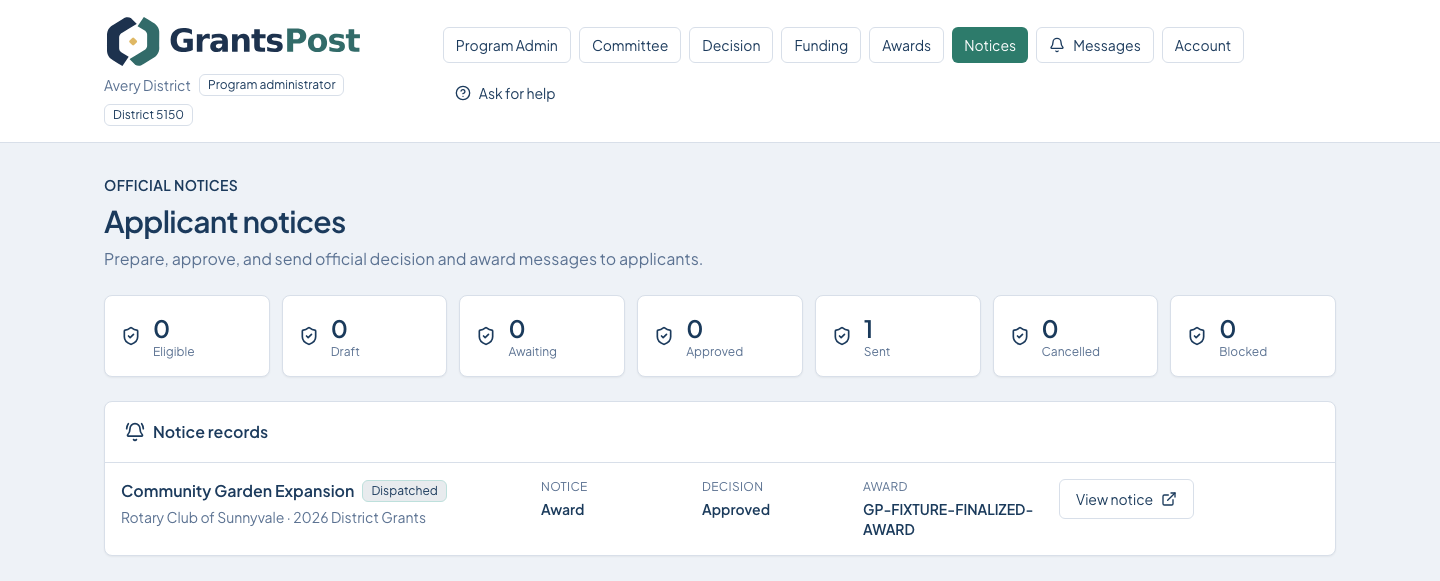
Select the screen to enlarge it. Example data is fictional.
The intended notice is approved and sent.
Return to your role's home page and follow the next action shown by GrantsPost.
Use Help or Ask for help. Include the page name and what you were trying to do. Never send your password.
From Applicant notices, open the notice record.
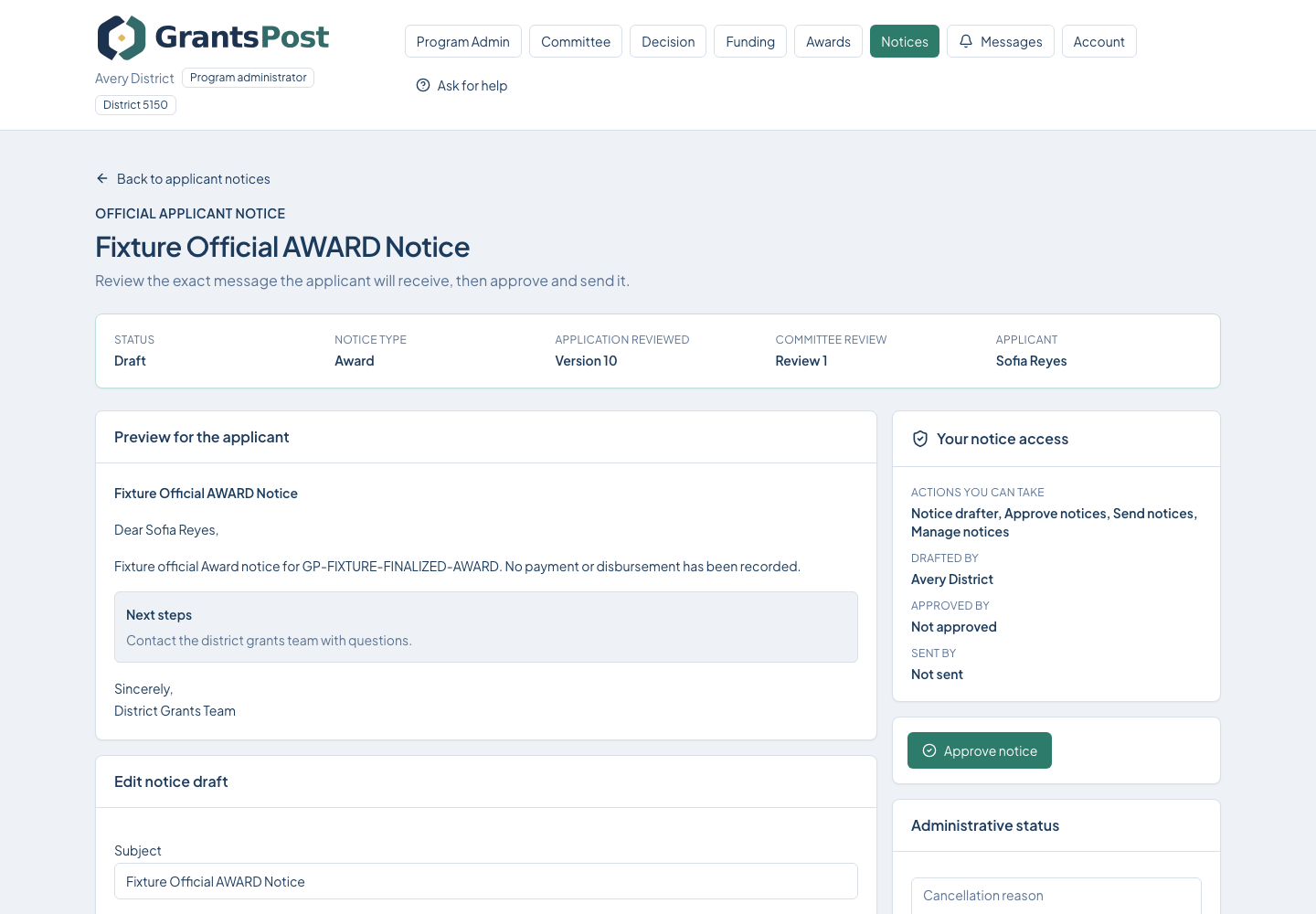
Select the screen to enlarge it. Example data is fictional.
The applicant can see the correct official notice.
The applicant can read the official notice in GrantsPost.
If email delivery fails, the in-app notice can still be the official record. Follow the delivery status shown on the notice.